Switching medical systems is a big decision, and it’s rarely made by one person. Medical staff will use the system every day. Someone else often approves the spend. Both need a clear picture of what happens next.
Your team has to keep caring for athletes while years of medical records move to a new system.
Will injury history transfer? Will staff have access to the information they need? How much work will setup and training take?
Before choosing new sports EMR software, make sure you understand what the move involves, what could go wrong, and what support you’ll get.
What a Move Involves
| What happens | Who needs to be involved | |
Plan | You decide what moves and what stays in an archive. | Your medical lead, plus whoever knows the current system. |
Export | Your data comes out of the current system, with notes and attachments. | Your current provider, and your new one. |
Transfer and check | Records are matched, mapped and loaded into the new system. | The new provider, with your medical staff checking the result. |
Set up and test | Workflows, access and connections are set up. Staff try real tasks. | The people who’ll use the system every day. |
Launch and support | Staff start working in the new system. | A named contact on both sides. |
Start With the Records You Need
Your current medical system may hold years of information. Start by listing what’s there and what your team needs to use in the new system. That may include:
- Injury and illness history, diagnoses, and medical alerts
- Treatment notes, medications, rehabilitation, and return to play records
- Medical screening, assessments, and test results
- Documents, imaging and lab reports, and other attachments
- Athlete profiles, availability history, and how records connect to teams, sessions, or games
Decide which records need to move into the new system and which can remain in a secure archive. Both decisions matter. Staff may need older information for ongoing care, medical reviews, or reporting long after the move.
Check Whether You Can Get Your Data Out
Before committing to a new provider, speak to your current one. Ask for a sample export of your medical records, including notes and attachments. Check the format and whether anything is missing.
Find out who will prepare the export, whether there are fees, and how long you can keep access to the old system. If your current provider can’t help, ask the new provider what other options may be possible and what information it would need.
Don’t assume a file export contains everything your staff see on screen. Check the details before you agree on a migration plan.
Make Sure Your Medical History Stays Accurate
Moving data isn’t the same as making it usable. Systems rarely label things the same way. Athlete IDs, injury codes, availability statuses, and dates can all differ, and attachments can lose their links to the original records. Records are organized differently too, so an old screening may arrive as a note rather than a screening entry.
This matters when a medical team looks back at an athlete’s injuries or compares injury trends across seasons. A record in the wrong place, or a diagnosis with the wrong code, can change what the report shows.
Ask the provider how it will match athletes, preserve original information, and confirm that the correct data has arrived. Include records from different teams and seasons in the checks. Medical staff should review a set of migrated records themselves, not rely on record counts.
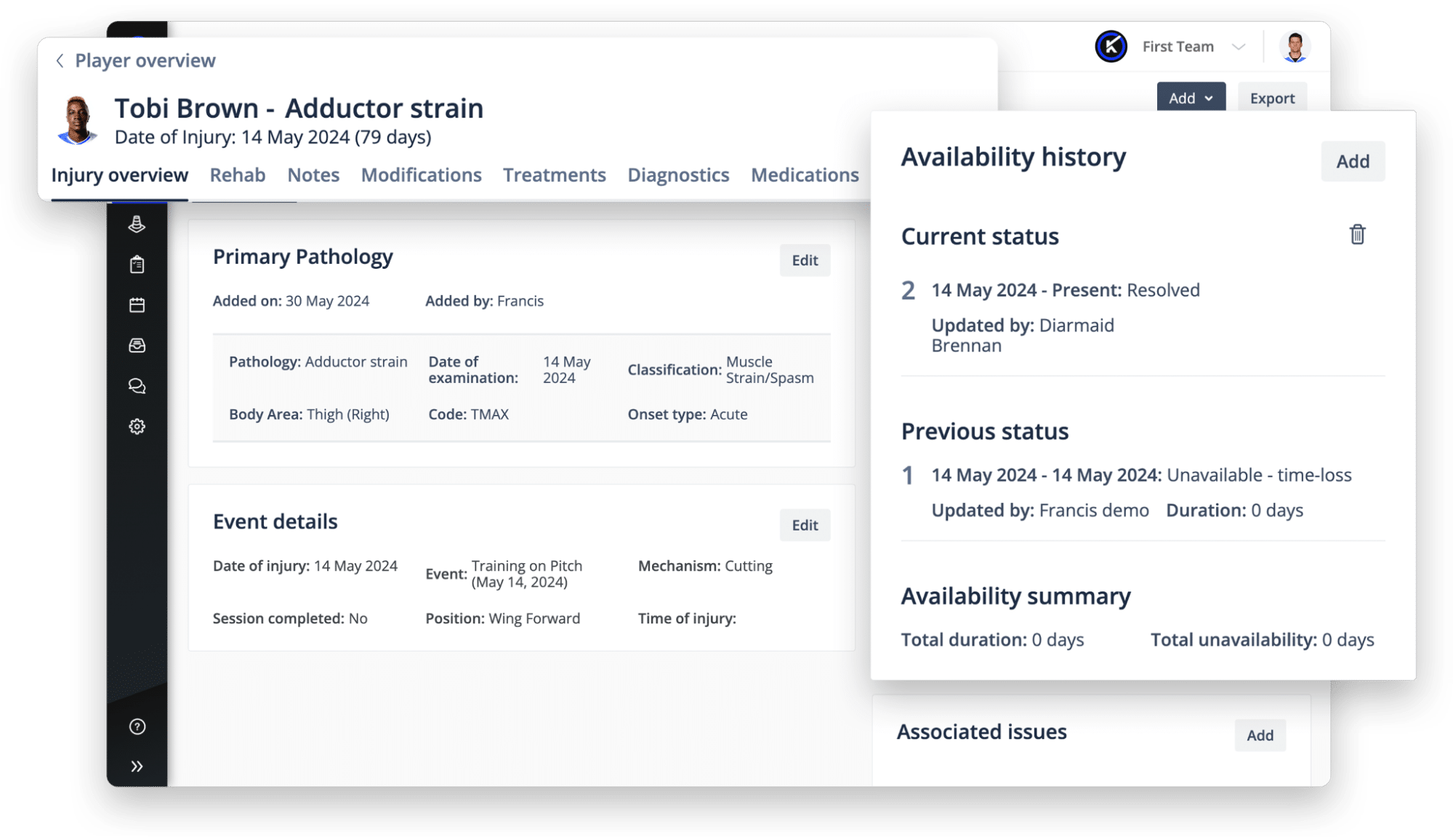
Keep Athlete Care Running During the Change
A medical team can’t stop documenting care because a system is changing. Ask whether there will be a period when staff can’t enter information into the old or new system.
If there’s a gap, agree how staff will record treatment, new injuries, medications, and other important information safely. Decide who will add those records to the new system afterward and how they will be checked.
Be clear about what will be available on day one. Some historical attachments may take longer to transfer than the records staff need for daily care. Ask whether the old system stays available to view during the change, and when it can safely be switched off.
The timing should work around your medical team’s needs, not just a technical launch date.
Check the Work Your Medical Team Does Every Day
A new system should support the way your staff treat and manage athletes. Before setup begins, walk through how your team records injuries, writes clinical notes, manages rehabilitation, updates availability, and makes return to play decisions.
Check the connections your team relies on. These may include hospitals, medical imaging, labs, dictation tools, and other clinical services. For each connection, confirm whether it already exists, what information it sends, whether setup costs extra, and who supports it when something changes.
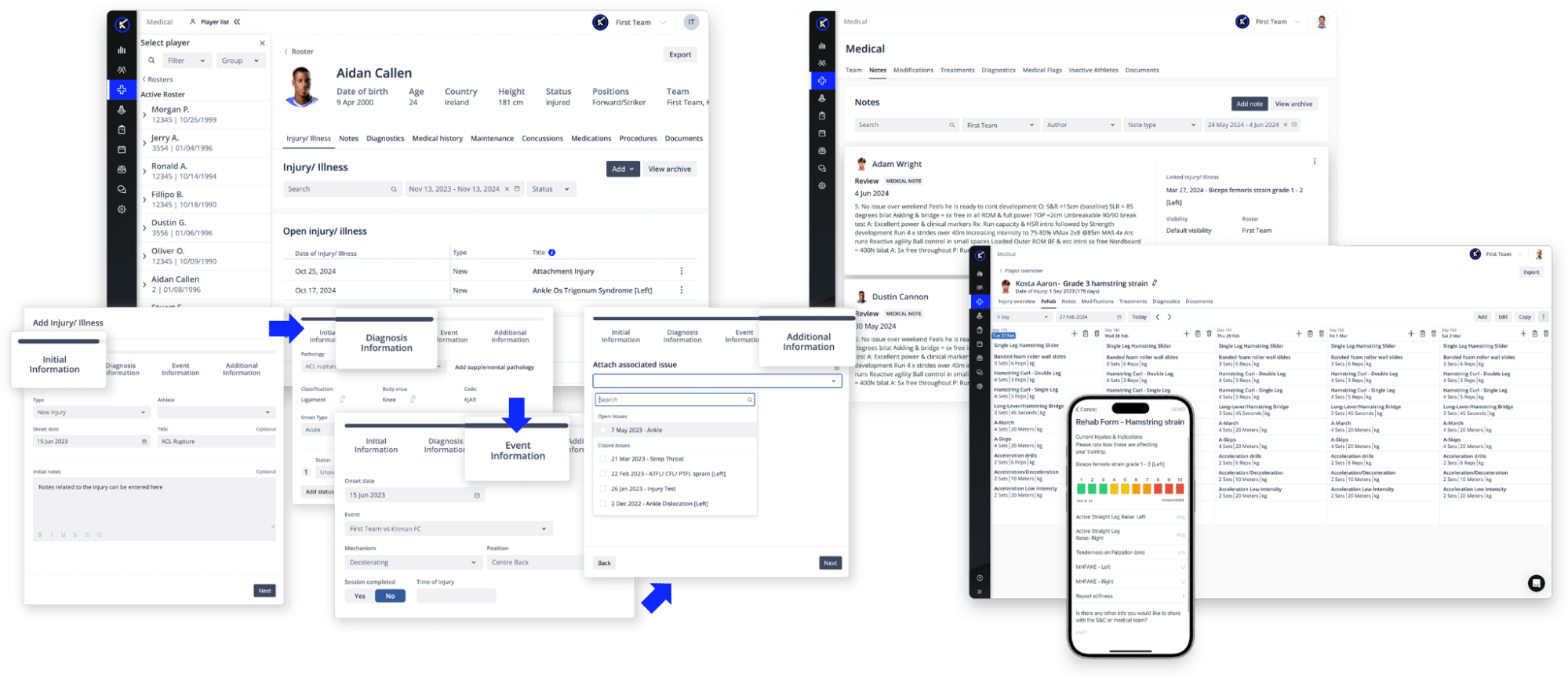
Performance and monitoring tools may matter too, but start with the medical workflows your staff must use every day. This is also a chance to remove duplicate entry and manual steps, rather than rebuild every workaround from the old system.
Set Access and Privacy Rules Before Launch
Physicians, athletic trainers, rehabilitation staff, coaches, and administrators don’t need the same access. Medical notes and private health information should only be available to authorized people. Coaches may need availability updates without seeing the underlying clinical details.
Confirm who can view, add, and change records. Test those rules with real staff roles, including people who work across teams or join part way through a season. Ask how access to historical records will work when an athlete changes teams.
Test Real Tasks Before You Switch
A clean data check is only part of the test. Success means staff can find and use the records, not that files have moved. Before you commit, ask medical staff to run the work they do every day against the migrated records:
- Find an athlete and review their medical history
- Open an older injury and its notes or attachments
- Record a new injury, treatment, or rehabilitation update
- Check a medical alert and update availability
- Open an injury report and check that historical data appears correctly
Write down what’s missing or confusing and agree who will fix it. Testing should involve the people who will use the system, not just IT or the implementation team.
Plan Training, Support, and the Full Cost
People need time to learn a new system. A physician may need training on clinical notes and medical orders, while an athletic trainer may focus on injuries, treatment, and availability. Train staff on their own tasks instead of giving everyone the same product tour.
Ask who manages the project, who checks the transferred records, and who answers urgent questions during the first weeks. Make sure support is available at times that work for your team and that new staff can be trained after launch.
Look beyond the software price. Include data export and migration, setup, connections to other systems, training, extra users or teams, and ongoing support. Get clear ownership, costs, and expected dates in writing.
Questions to Ask Before You Switch
Use these when you speak to a provider. The second column is what a useful answer sounds like.
| What to ask | What a useful answer sounds like |
| Which medical records will move, and which will remain archived? | A specific list agreed with your medical team, not everything by default. |
| Can we see a sample export from our current system, including notes and attachments? | Yes, before you sign, with the attachments included. |
| How will you check that records are accurate and linked to the right athletes? | A named method and a named person, with your own staff reviewing a set of records. |
| What will be available on day one, and how will we record care if data entry is paused? | A clear list of what’s ready, the length of any pause, and a way to capture care during it. |
| Which medical integrations are already supported, and what costs extra? | Your specific connections named, with setup and ongoing support priced. |
| How is private medical information handled, and who can see what? | Permissions set by role, tested with your real staff before launch. |
| Who will train our staff, fix problems, and support us after launch? | A named contact, hours that suit your team, and training for staff who join later. |
| What internal work do we need to own, and how much staff time should we plan for? | An honest estimate in hours or days, not minimal. |
| What’s the full cost and realistic timeline for our organization? | One number and one date, covering migration, setup, training and support. |
How Performance Medicine Fits Into the Move
Most of the difficulty in switching comes from the same place. The medical record sits in one system and everything around it sits in another, so moving means setting up several things at once and hoping they agree.
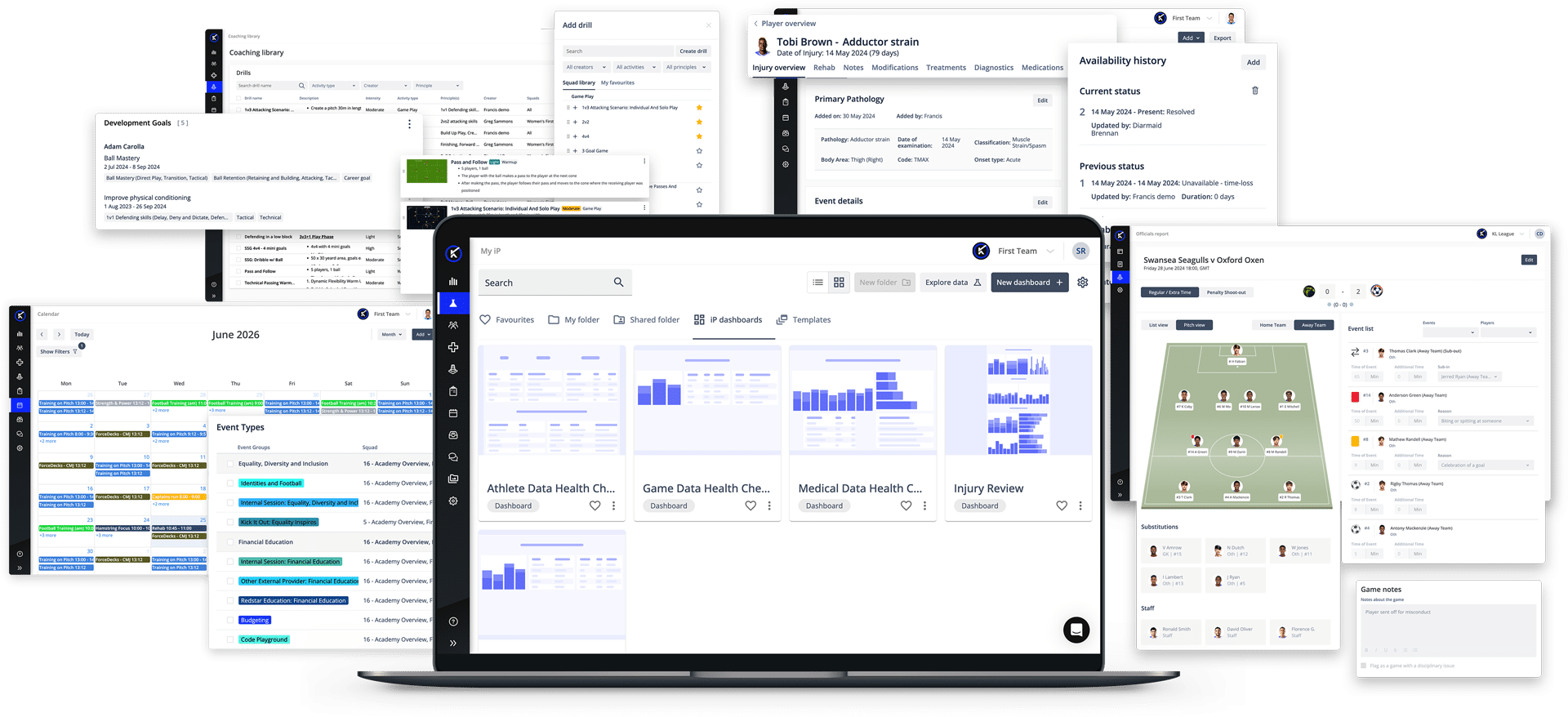
Kitman Labs’ Performance Medicine Solution is part of iP: Intelligence Platform. Medical records are part of iP itself, not a separate system that has to be plugged into it. They sit in the same place as athlete profiles, availability, calendars, and access permissions, which make up iP Core.
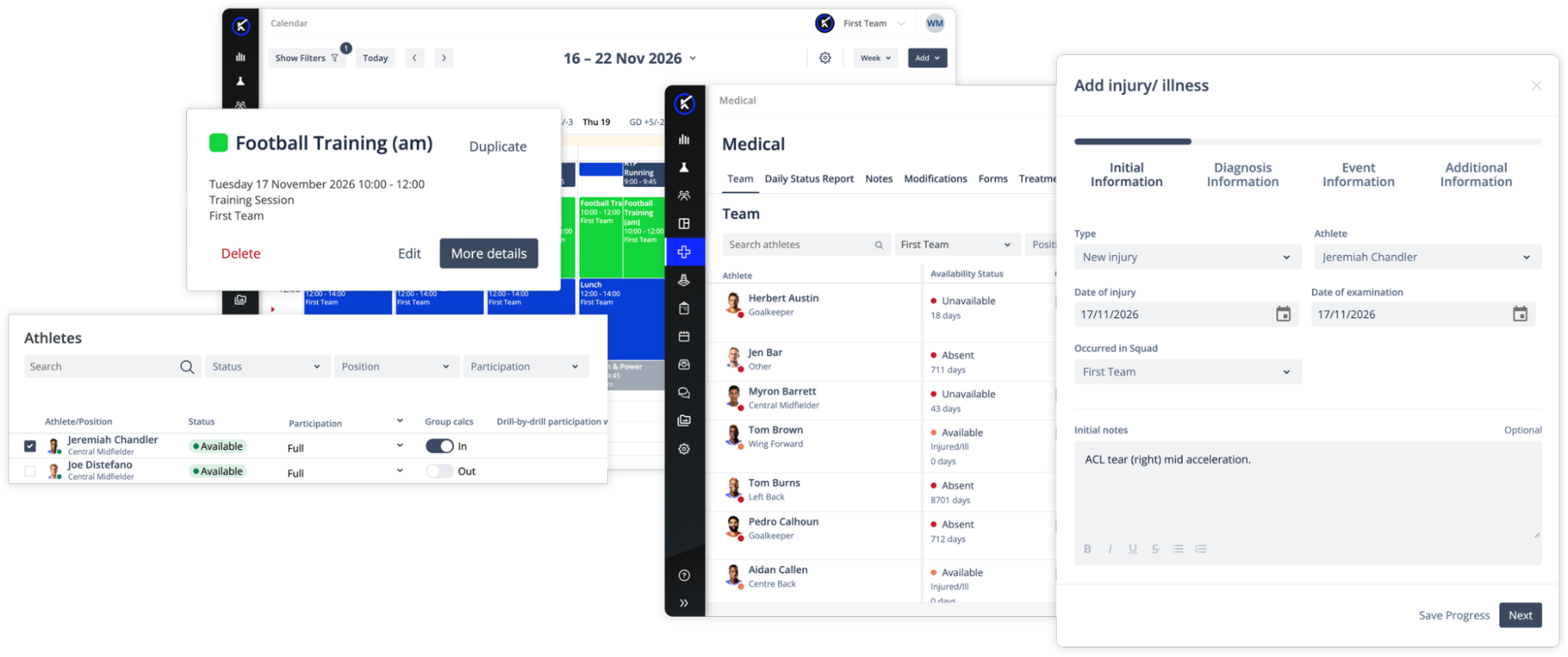
Reporting from day one. Medical Overview and Injury Review dashboards show availability and injury trends. They come with Performance Medicine, so there’s nothing to build or commission after the move, when staff have the least time to spare.
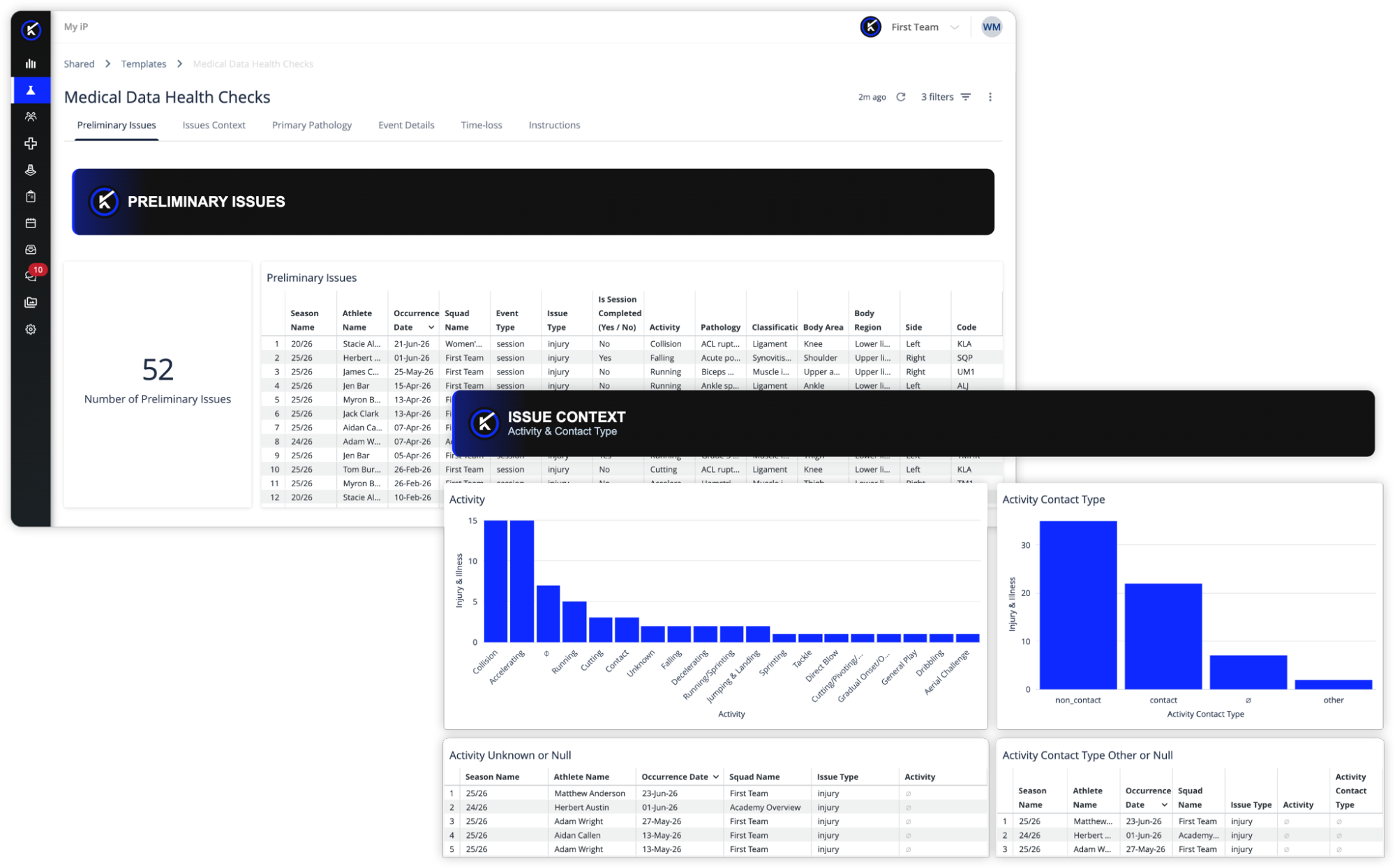
A way to check what landed. The Data Health experience works in two ways. Information is checked as it’s entered into iP, so problems show up while staff still have the record open. The Medical Data Health Check Dashboards in My iP then give teams a regular review. That review picks up missing information, and records attached to the wrong athlete or session. After a migration, that’s how you find out what didn’t arrive. These dashboards don’t replace checking migrated records against the original system before launch.
Connections that already exist. iP connects to more than 150 other systems, including tracking systems, force and timing equipment, heart rate monitoring, testing equipment, wellness tools, and competition data. Which of them your move needs will depend on the tools and records you already have.
Checked by an outside auditor. Kitman Labs holds ISO 27001 for information security and ISO 27701 for privacy. Both are independent certifications, awarded after an audit, rather than claims a company makes about itself. For athlete health information, that difference matters.
One platform, not several joined together. iP was built as a single platform from the start. It wasn’t assembled from separate products bought over time. Moving into a system that grew that way means moving into several products that were joined later, and the joins are still there.
Ask for a plan built around the way your medical team actually works. Talk to our team about what a move to Performance Medicine would involve.